


Work
Edit
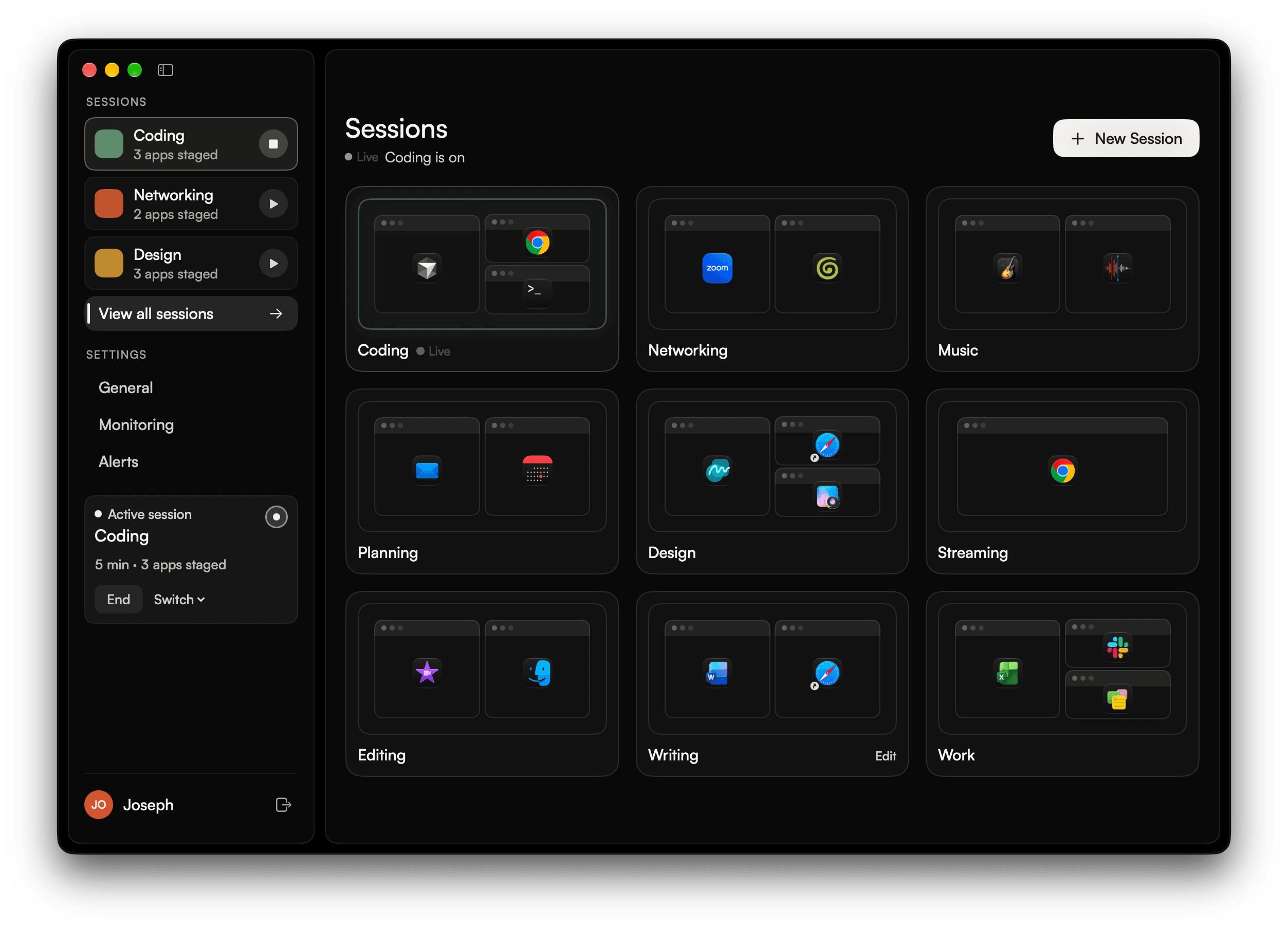




Your open apps tile to fit the display. Browsers and documents get the most room, and background apps like Music and Finder hide.
Open one on your other display and keep the first running. On a single display, the new Session takes over.
When you end a Session, the apps and windows you had open before it come back.
When an idle app hides, the apps still on screen expand to take its place and keep their order.
Coding

DELL S2725HS
Design


Built-in Retina Display
A Session can span every monitor. Each window goes back to the display you placed it on.
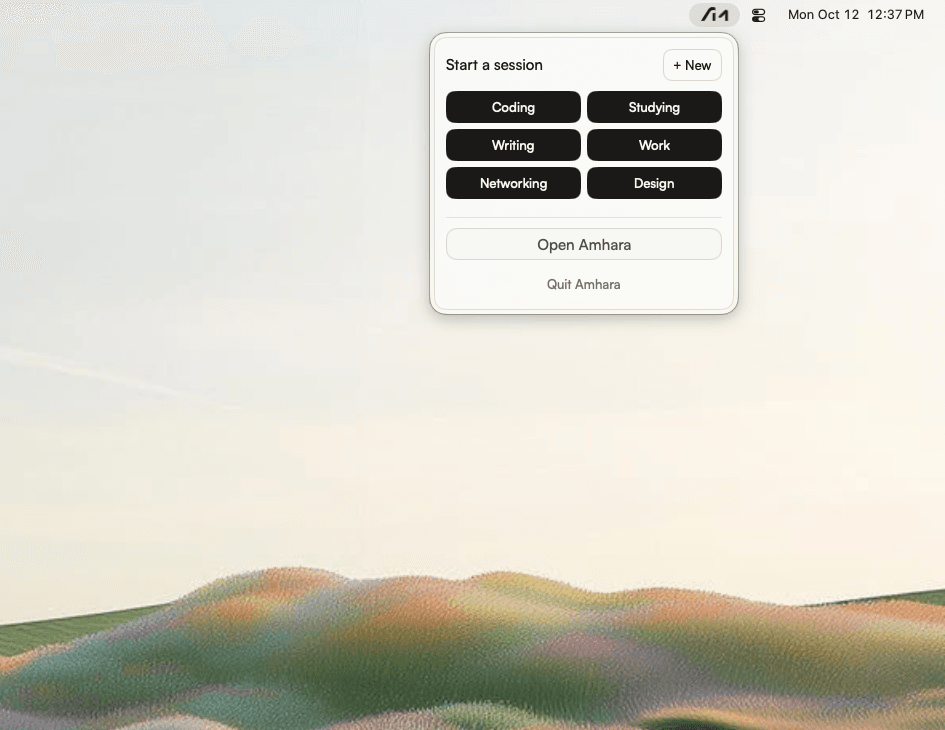
Open a Session from the menu bar, the desktop window, a shortcut, a schedule, a calendar event, or Summon.
Microsoft Word kept open
Unsaved work detected. Save your work and close manually.
If Amhara finds unsaved work, it keeps the app open and tells you.
On-device. Say start, open, or end, and the Session name.
Listening
How a Session works, what stays open, and where your data stays.
View all FAQYou configure a Session once: apps, files, sites, and window layout. Start it from the menu bar, a shortcut, a schedule, or a calendar event, or say start or open and its name. Amhara quits apps that are not part of the Session, opens what you chose, and puts windows where you placed them.
Private beta for macOS 26+. Get updates and early access by email.